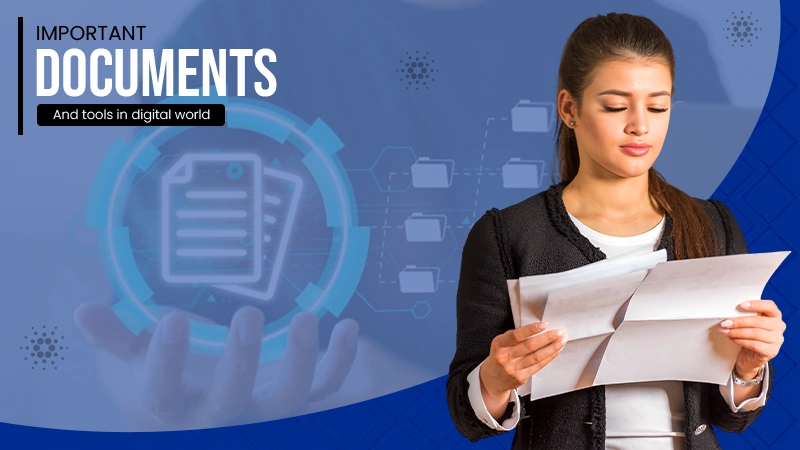
The technology is evolving and it is no longer a compromise to stay misaligned with the digital tools and documentation process. In this digital first world, users who are completely unaware of digital tools might learn them later, but people who want to move forward without using them will face consequences.
Everyone should understand the key digital documents like word processing files and PDFs and tools like email, cloud storage and password managers. Now you might think, “What all are the core required tools and places?”

Keep reading this article that shares where and what essential documents and tools you should know about in this digital world.
Official Documentation is Easier When You Treat it Like a System
Learning how to manage official documentation is an important life skill, and services like5min Passport Photos make it simple for individuals to quickly take compliant passport and ID photos without unnecessary delays.
Many “documentation emergencies” are really planning issues. Someone needs a new ID photo fast, a form needs to be sent in by a strict date, or an unexpected scan is needed for an application. When you treat documentation like a system rather than a one-time task, you reduce the chance of last-minute delays. A simple approach is to keep the essentials in one place, keep digital copies organized, and know what items often need updating.
Even in today’s digitally savvy world, physical documentation is still necessary. IDs and passports still rely on strict formatting, clear images, and shared information. Therefore, knowing which documents usually call for supporting documentation—such as official certificates, proof of address, or photographs—and keeping those materials on hand are helpful.
Your Core Document Set is Smaller Than You Think
Most people don’t need dozens of “important” documents, but you do need a small core set you can reliably find. This usually includes identification (passport or ID card), proof of residence, education records you may need for school or work, and financial basics such as bank details and tax-related paperwork if you’re employed or self-employed.
What matters is not only having the documents, but knowing which version is valid. Many forms require the most recent copy or a document within a certain timeframe. That’s why it helps to store files with clear names and dates. A folder labeled “Important” becomes useless if it contains ten versions of the same form with no clue which one is current.
Maintaining documents in a simple format that relate to everyday life—Identity, Education, Housing, Work, Finance, and Health—is a clean habit. Then, inside each folder, name files systematically (for example: “Passport_2025-08” or “Lease_2024-11”). Small habits like this put off big stress later.
Scans, PDFs, and File Safety Are the New Basic Literacy.

Photo by Claire Abdo on Unsplash
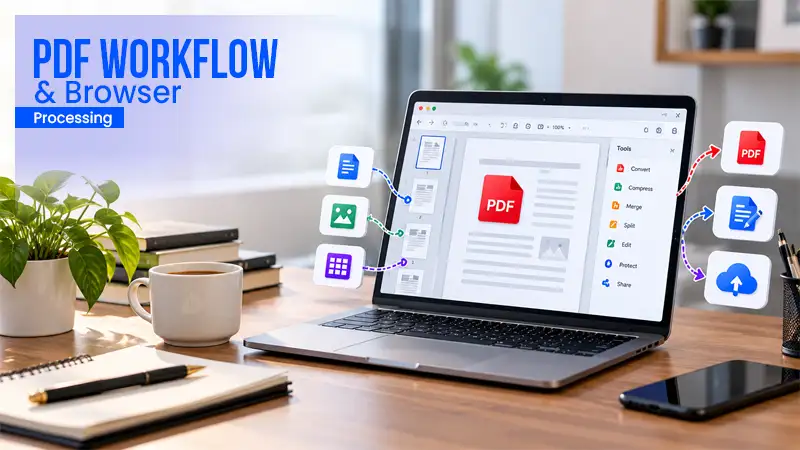
In a digital world, “having a document” often means having a readable scan or a properly saved PDF. That includes knowing how to scan, crop and avoid blurry photos of pages taken under poor lighting. A messy scan can slow down applications, cause rejection, or create unnecessary delays.
It’s also worth understanding basic file safety. You shouldn’t keep sensitive documents in your inbox as random attachments forever. The safer approach is to store them in a safe location, use strong passwords, and avoid sending full sensitive documents unless it’s necessary. Even simple steps, like removing extra pages or hiding irrelevant data when possible, can reduce risk.
A practical habit is to keep two versions of certain files: a “share” version (only what’s required) and a “full” version (complete record). That keeps you from oversharing when you’re in a rush.
Office Supplies Still Matter in a Digital Workflow
Beyond documentation, understanding how to manage office supplies responsibly is another valuable skill, and platforms such ashttps://www.selltoner.com help individuals and businesses handle surplus printer ink and toner efficiently.
Even with digital signatures and online forms, printing hasn’t gone away. Physical documents are still used by local offices, schools, shipping labels, and for some verification tasks. That’s why basic office supply management is still useful, especially if you work from home, study, or run a small business.
The key shift is that supplies are no longer only “office admin” concerns. They’re part of personal efficiency. If you’ve ever needed to print something urgently and discovered you’re out of ink, you’ve experienced how small supply gaps can create major delays. Knowing what you have, storing it properly, and not letting supplies become cluttered makes your workflow smoother.
A Smarter Approach to Printing and Storing Paperwork
Paper can be both useful and messy. The goal isn’t to keep everything but to keep what matters. Certain items are worth keeping in hard copy: original certificates, signed contracts, and documents that are difficult to replace. Everything else can often be scanned and stored digitally, so you’re not drowning in folders.
A simple home system helps: one small binder or file box for originals, labeled sections for essentials, and a routine for adding or removing items. If you keep it minimal, you’re more likely to maintain it.
Printing is also easier when you plan for it. Many people benefit from keeping a small “print kit” at home: a few sheets of quality paper, a working cable if needed, and a clear understanding of how to print from a phone or laptop without wasting time. These are small details, but when an emergency hits, they release tension.
Why These Skills are Increasingly Linked to Independence
Being able to manage documents and basic tools is part of modern independence. It affects travel readiness, job readiness, and the ability to handle everyday administration without stress. You save your time and confidence when you are able to find your documents, produce what is required quickly, and manage basic office duties.
This is also why these practices are becoming more common among students and early-career professionals. Digital life makes things faster, but it also expects you to be prepared. The people who do best aren’t the ones who never face bureaucracy, they’re the ones who built small systems that make bureaucracy manageable.
Conclusion
Mastering these tools is not about being a pro in digital proficiency – but it is about tuning in with the digital environment at least enough so that you will not be left behind in just a few years. When you treat your documents like a system, deadlines stop bothering you, and you become a master of your own time.
Whether it is about a well managed printer or a cropped PDF – building these small but effective things will act as a foundation to your confidence and independence in the increasing digital world.
Ans: It takes around 5 to 10 minutes – but only with the specialized tools made for the same purposes.
Ans: As these things are very basic and everyone should know how to manage them. It is part of basic modern independence.
Ans: No, neither digital signatures nor e-signatures have succeeded in replacing printing, and probably they will not. As it is being used at many places.