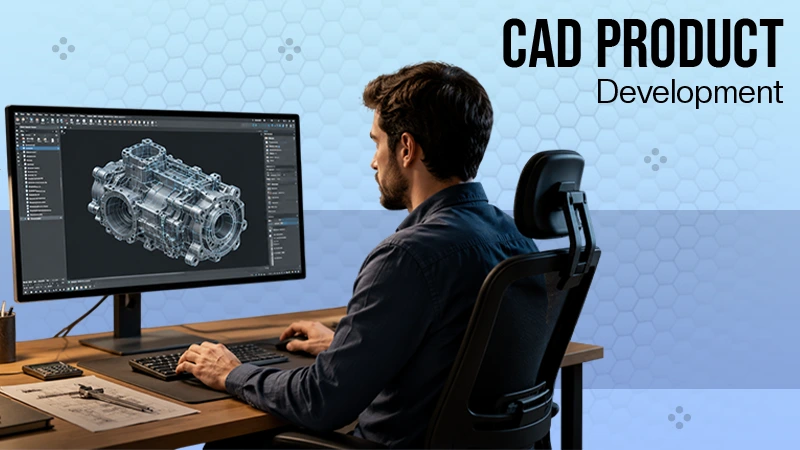
Creating successful plastic products requires more than just a great idea. It needs a smart design process that avoids delays, minimizes waste, and improves the overall production quality of the whole mechanism in a quick time.
This is why, to avoid expensive manufacturing problems, organizations use modern CAD software that helps engineers create better designs, test ideas faster, and move smoothly from one stage to another.
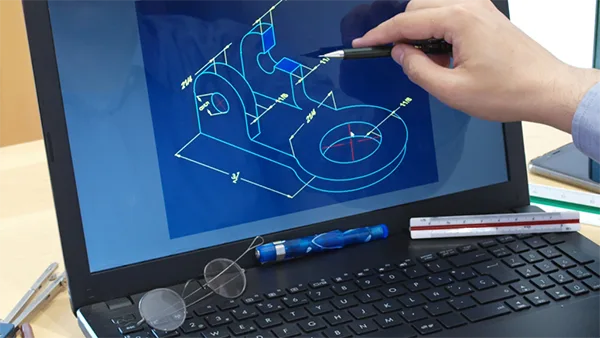
This article outlines how an efficient product design in the fast-paced modern market provides companies with a clear competitive edge with the use of modern technology.
Key Takeaways
- Successful organizations prioritise building a strong digital design and manufacturing process, right from the start
- When CAD software hit the market in the 1980s, it introduced parametric modeling and assembly management, allowing complex geometries to become manageable
- Cloud-based platforms have enabled real-time collaboration between remote teams more practically, something that was missing just ten years ago
- Version-controlled design files and integrated feedback keep designers, engineers, and clients in the loop at all stages of development
Why Strong Manufacturing Workflows Matter
If the development process is still dependent on disconnected tools, slow communication, or outdated technology, production problems are also inevitable to show up at some point.
As plastic manufacturing scales, even minute gaps in design, engineering, and production teams can turn into huge delays, increased expenses, and inconsistent quality of the product.
That’s precisely why successful organizations prioritise building a strong digital design and manufacturing process, right from the start.
A reliable and optimized workflow helps teams improve collaboration, speed up prototyping, reduce errors, and move into full-scale manufacturing at greater speeds.
Businesses that invest in scalable plastic manufacturing solutions are better positioned to handle increasing demand while also maintaining efficiency and product quality.
In the modern competitive market scenario, these streamlined processes prove to be essential for long-term growth and consistent results.
How Digital Design for Plastics Actually Evolved
This didn’t take place overnight. It was built through decades of gradual engineering advancements that brought us to where we stand today, and understanding that transformation matters when you want to analyse the actual benefits of the current tools.
The Milestones That Changed Everything
Early plastic development ran on hand-drafted blueprints. Slow. Error-prone. Painful to revise. When CAD software hit the market in the 1980s, it introduced parametric modeling and assembly management, allowing complex geometries to suddenly become manageable rather than nightmarish.
Then came 3D modeling and simulation. Engineers could test structural performance, material flow, and moldability before touching a single physical prototype. That capability alone wiped out enormous tooling costs for companies willing to adopt it.
Where CAD Trends Are Headed Now
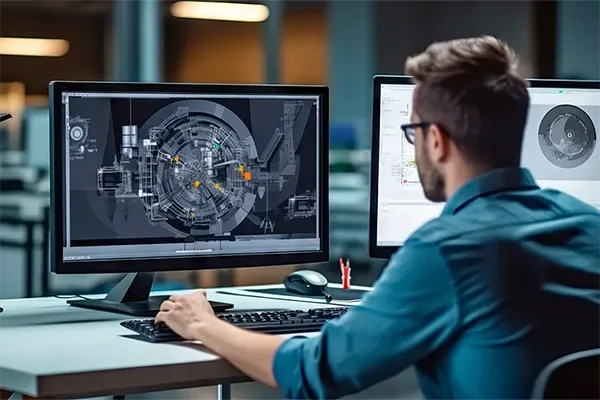
Cloud-based platforms have enabled real-time collaboration between remote teams more practically, something that was missing just ten years ago. Add AI-powered capabilities, generative tools, and IoT-connected prototyping equipment, and digital design into the mix, and plastics start looking less like software and more like a competitive multiplier.
*CAD has rewritten the rules of plastic product development. But to grasp where this technology leads next, it helps to understand the milestones that shaped its journey here.*
What Forward-Thinking Teams Are Actually Doing With CAD
Knowing the history is useful. Knowing how to apply it is better. So how are high-performing teams actually using these capabilities to build faster, smarter, more creative products?
Getting From Idea to Prototype Without the Usual Pain
Digital product design CAD compresses timelines in a way that still surprises people everytime they see it. Designers are able to generate multiple variations fast, compare them side by side through renders, and walk stakeholders through AR previews, all before a single material is even used.
Data-driven refinement tools mean decisions come from simulation results, not gut instinct. Prototypes that emerge from that process tend to actually perform when they’re finally built.
Fun Fact
CAD is more than just drawing. Using Finite Element Analysis (FEA), designers can stimulate extreme real-world environments like drops, heat, and stress to see how a product will hold up before it’s actually built.
Catching Complex Problems Before They Cost You
Speed matters. But speed without catching design flaws early is just expensive failure delivered faster. Flow analysis, stress simulation, and moldability checks embedded in modern CAD platforms identify problems automatically, during the design phase, when changes cost almost nothing. That automated detection cuts plastic waste and slashes trial-and-error production overhead significantly.
From Design Files to Factory Floor: What CAD Actually Enables
| Feature | Traditional Methods | CAD-Enabled Workflows |
| Prototype Speed | Days to weeks | Hours to days |
| Error Detection | Post-production | Early simulation |
| Team Collaboration | Sequential | Real-time |
| File Compatibility | Limited | CNC/STL ready |
| Scale Flexibility | Fixed | Low to mass volume |
Cleaner Handoffs, Faster Production
When digital files move directly to CNC machines or injection molding equipment, transcription errors disappear. Setup time shrinks. Plastic product CAD design workflows that support direct STL or G-code export keep momentum intact, with no unnecessary delays and no lost context between teams.
Keeping Everyone Aligned When It Matters Most
Even the most efficient production pipelines comes crashing down without clear communication channels. Version-controlled design files and integrated feedback keep designers, engineers, and clients in the loop at all stages of development.
That alignment isn’t just a small plus point. It’s the deciding factor between a smooth launch and a last-minute scramble.
What the Next Generation of CAD Looks Like for Plastics
Today’s workflows are worth mastering. But the manufacturers who’ll lead tomorrow are already watching what comes next.
AI, Automation, and Smarter Design Decisions
The numbers tell a clear story: 67% of digital design users want faster workflows, 54% are seeking AI-driven design optimization, and 53% want improved accuracy, all pointing toward a future where CAD tools think alongside their users. Parametric and generative design tools sit at the center of that evolution.
Additionally, predictive analytics now lets teams evaluate material sustainability and lifecycle performance even before production begins. That’s not just being smart operationally; it’s a real advantage for manufacturers who are under constant pressure to display responsible practices.
Building Sustainability Into the Design Process
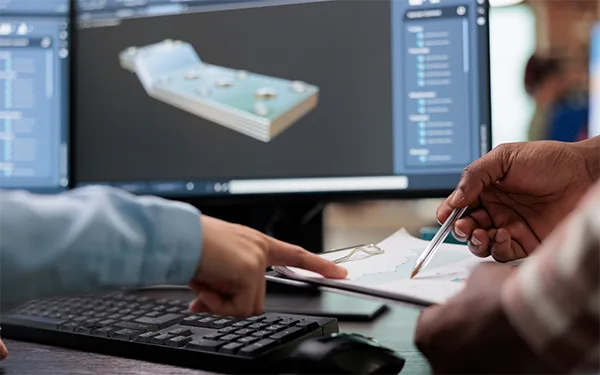
When generative design intersects with circular economy principles, the result is products engineered for recyclability from the first day, not retrofitted for it afterward.
Digital twins assist post-consumer product planning, helping teams make informed material choices long before anything physical gets constructed.
The Bottom Line on Digital Design and Plastic Development
Digital design tools have transformed how plastic products reach the world, from stricter prototyping cycles to cleaner handoffs during the manufacturing stage.
Teams that build a strong product through CAD design workflows earn measurable advantages in speed, quality, and cost control.
The direction is clear: invest in modern digital practices, build smoother processes, and keep sustainability in sight, right from the beginning. Companies that commit to this thought process now don’t just stay competitive; they’ll define what competitive looks like for everyone else.
FAQs
Ans: SOLIDWORKS, Fusion 360, and Siemens NX are the most widely adopted. The right choice depends on part complexity, team size, and available budget.
Ans: Early error detection through simulation eliminates the costly back-and-forth of physical prototyping. Teams iterate digitally, move faster, and arrive at production-ready files quickly.
Ans: Yes, simulation tools minimize material waste during the design phase, while digital twins enable recyclability planning before a single physical part exists.
Ans: AI automates many functions and allows for optimized workflows, increased accuracy, and saves a lot of time in the designing process.